
When you are traveling and cannot have quick access to your CCTV camera, using methods to transfer CCTV camera images to your mobile phone or laptop becomes a necessary and efficient thing. In general, you can view images recorded by CCTV cameras in two ways, with a fixed IP and without a fixed IP. Viewing images without a fixed IP is one of the new techniques in this field, which can be used in the most convenient way possible by having a phone, an internet connection, and installing the relevant software.

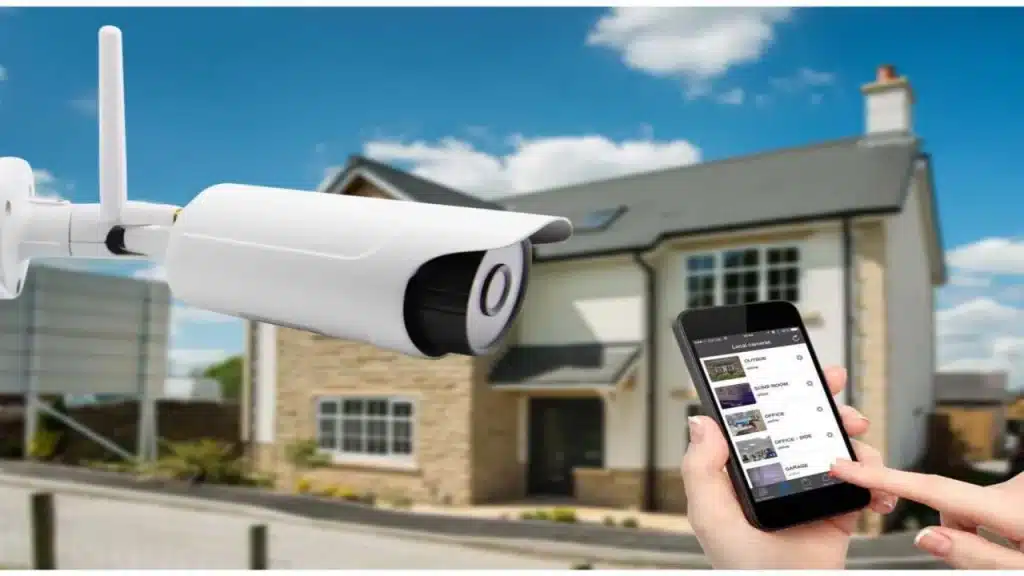
Streaming CCTV images to mobile phones means viewing images and videos recorded by CCTV cameras on a mobile phone or tablet via a wireless connection (such as Wi-Fi or the Internet). This feature allows users to easily view and control live or recorded images from their CCTV cameras from anywhere.
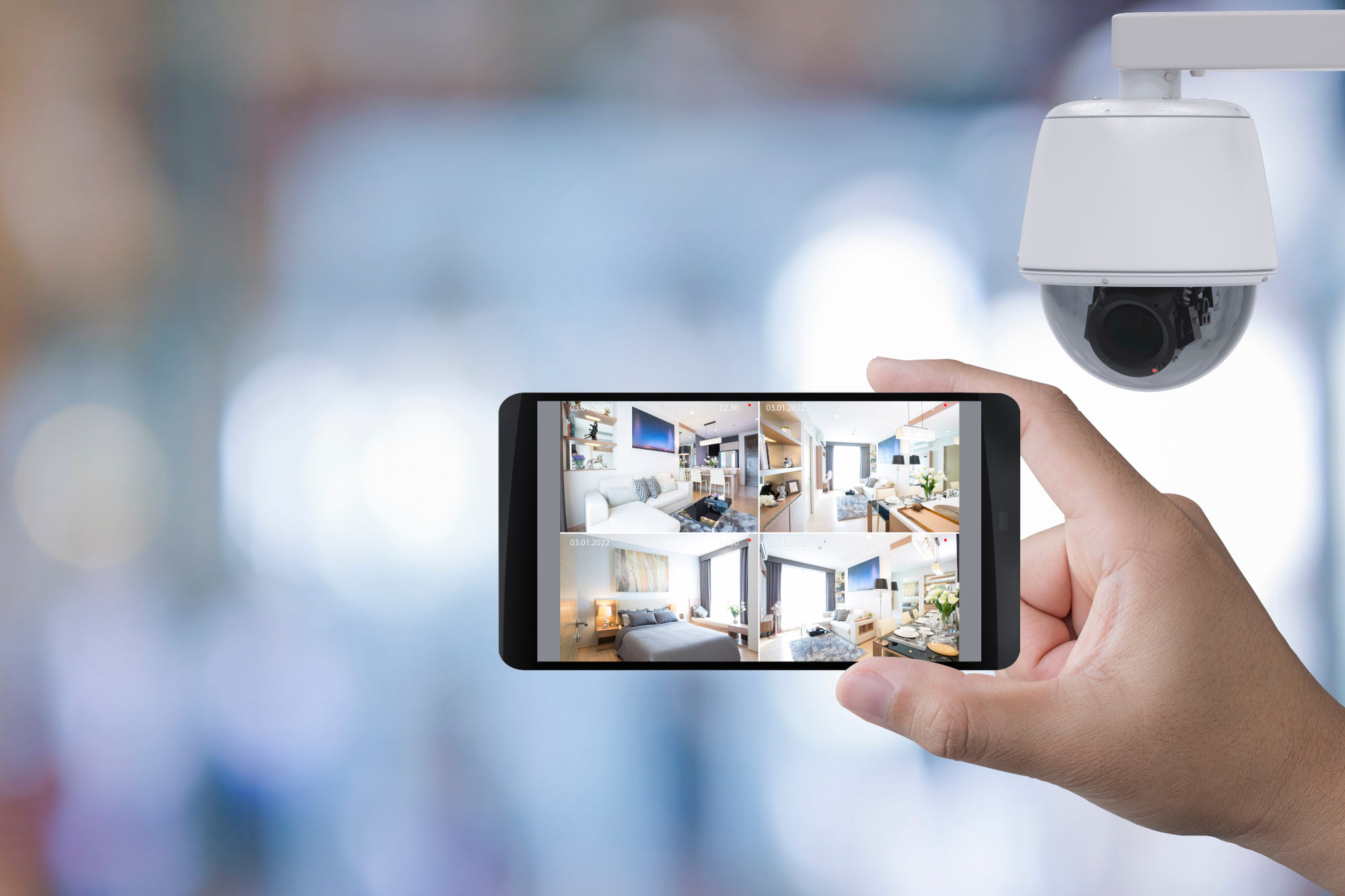
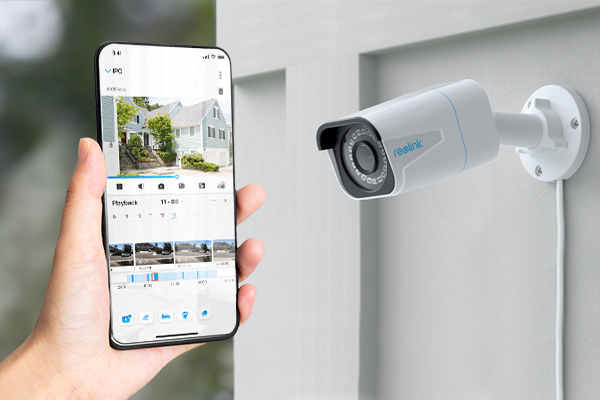
Transferring CCTV images to mobile phones using P2P
Transferring CCTV images to mobile phones using P2P means "point to point", which means that information is transferred directly from device to device without using an intermediary server. This means that the connection between the CCTV camera and the mobile device is established directly, without an intermediary. This method is usually used in special mobile or web applications that support this feature.
Transferring CCTV images to mobile phones using a fixed IP
Transferring CCTV images to mobile phones using a fixed IP means that your CCTV camera is connected to a local network and a permanent or fixed IP has been assigned to the camera. Using special software or applications, you are able to access the camera and view the recorded images from anywhere you have an Internet connection.
NetCam Studio Software
Agent DVR Software
ContaCam Software
Anycam Software
Genius Vision Software
Xeoma Software
iVideon Software
Perfect Surveillance Software
Security Eye Software
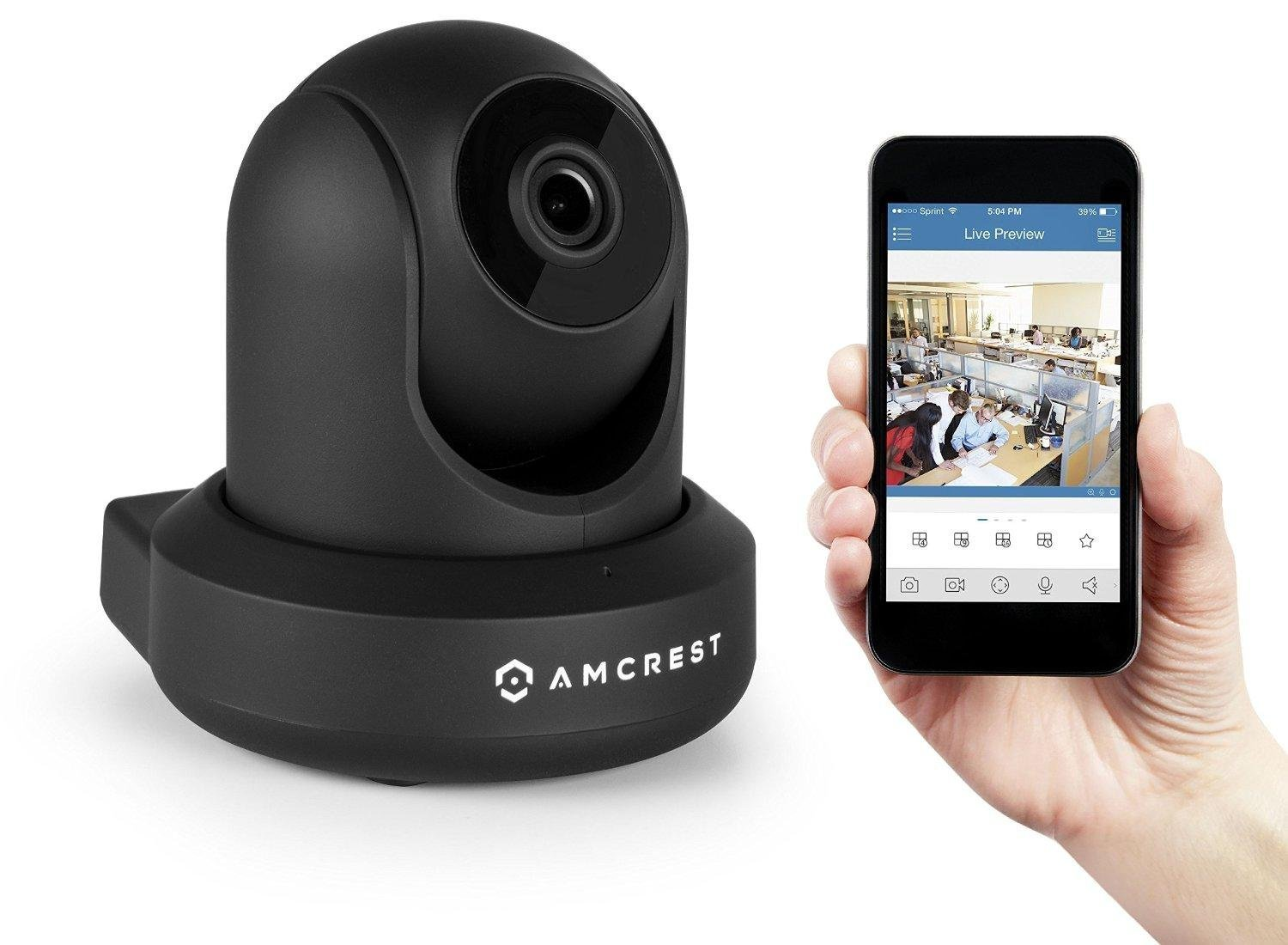
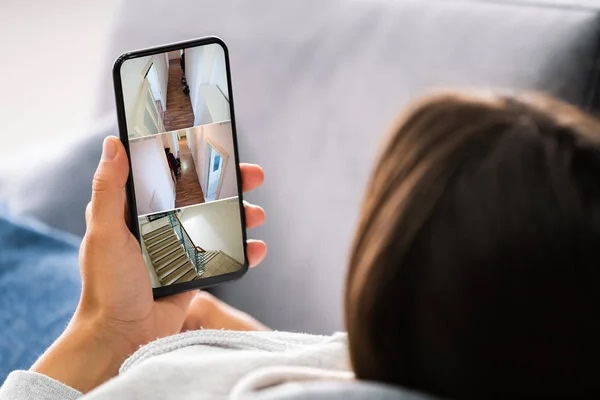
No, to transfer CCTV camera images to your mobile phone, you only need access to high-speed internet and a DVR or NVR device. To do this, first the storage device must be connected to the internet and then the relevant software must be installed on the phone.
There are various software programs to do this, and you can find the software compatible with your camera from the list we introduced in this guide and install it on your phone.

For this purpose, it is necessary that your camera offers better resolution and image frequency. In addition, high speed and stability of the internet can also be effective in better image quality. If you are using wireless cameras, it is recommended to ensure a strong and stable Wi-Fi signal.